Godot Launcher 1.12.0: Import and publish projects with GitHub

Godot Launcher 1.12.0 makes GitHub part of starting your next Godot project. Bring in a project from a repository you can access, including private repositories, or create a new project and publish its first commit to a private GitHub repository during setup.
There are improvements for everyday work too: a compact project list, terminal shortcuts and easier access to the Godot editor your project needs.
Import Godot projects from GitHub
Picking up a project on another computer or trying a shared prototype? Connect GitHub and choose a repository to import. Godot Launcher finds Godot projects at the repository root and inside folders, then helps you choose a compatible editor for each.
You can also import public repositories using an HTTPS Git URL without connecting a GitHub account.
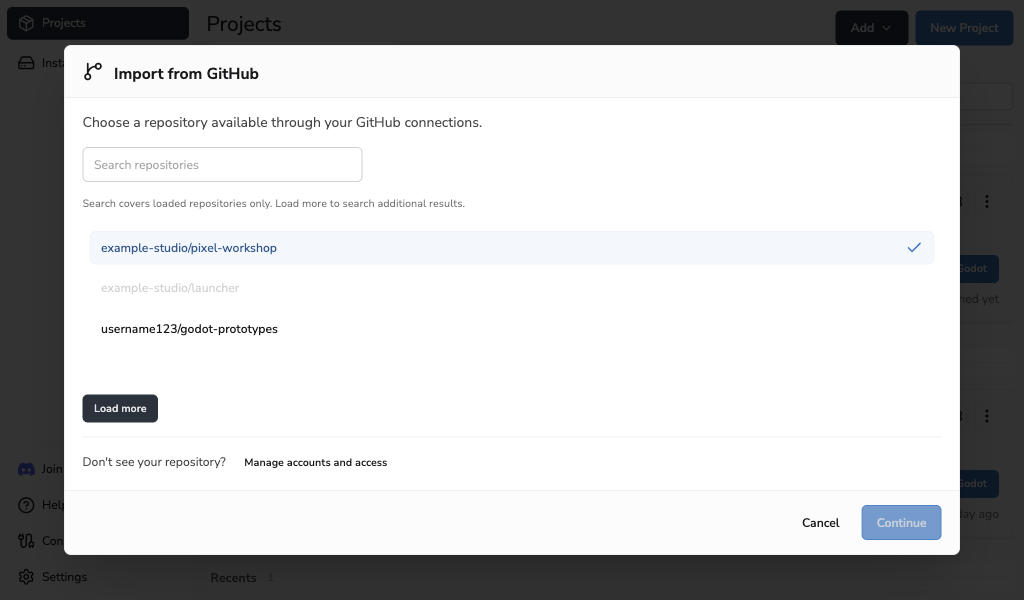
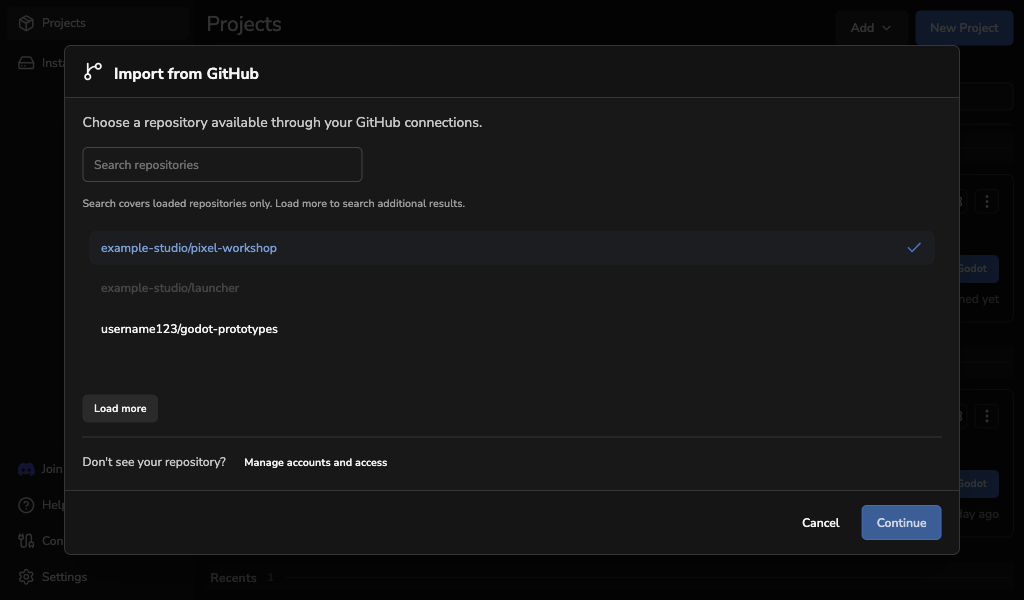
Learn how to import a repository.
Start a new project with a private GitHub repository
Your next game can start with version control already in place. Choose Publish to GitHub when creating a project, and Godot Launcher creates a private repository and publishes the first commit as part of setup.
Choose from the accounts and organisations available through your GitHub connection.
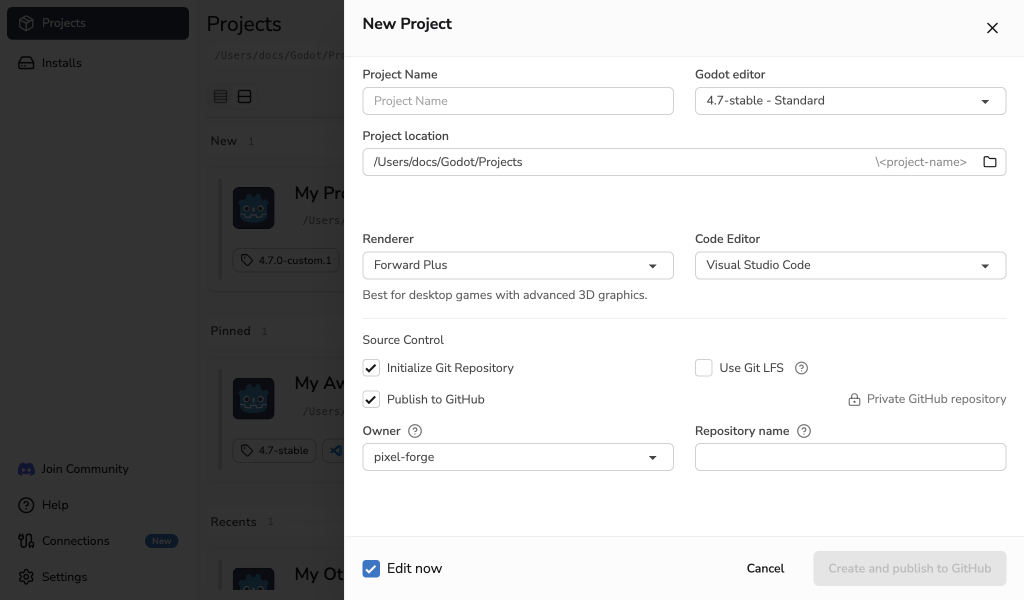
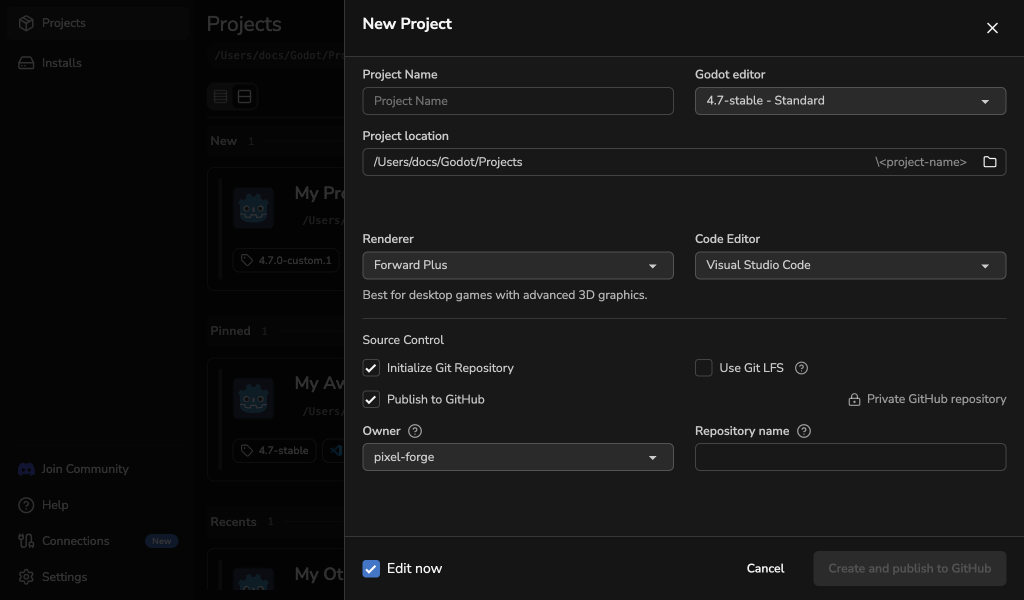
Get Git ready during project setup
Choose the name and email attached to your commits, and save a preset to reuse across projects. You can also adjust the identity for individual repositories in Project Settings.
With Git LFS installed, you can now set up tracking for common Godot asset formats when creating a project, including images, audio and 3D models.
Explore Git and Git LFS settings.
More room for your projects
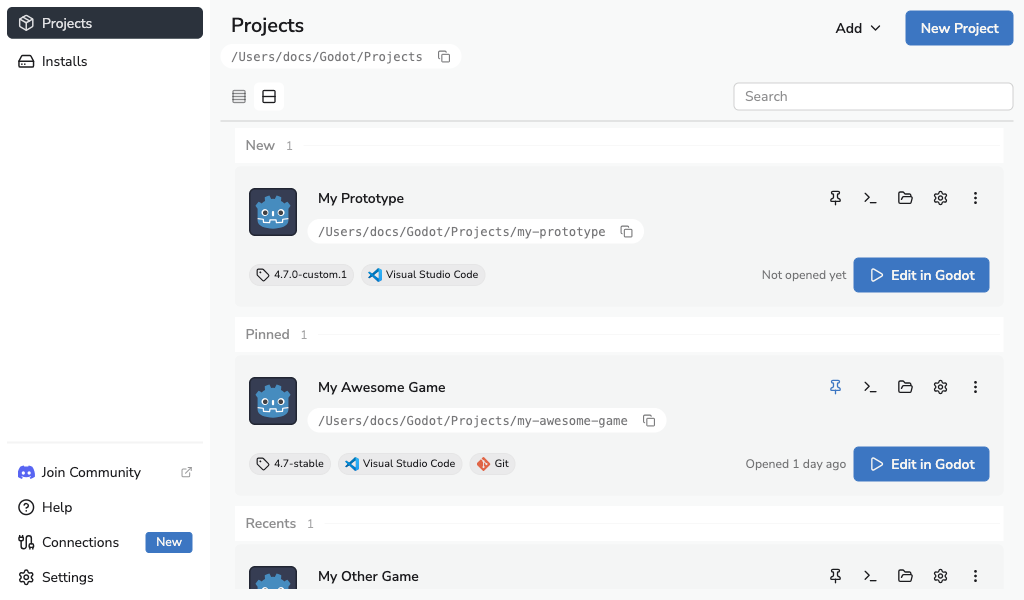
The new compact List view puts more projects on screen at once. Switch between cards and a list to suit the way you work, with project actions close at hand.
Need the command line? Open Terminal Here takes you straight to your project's folder.
Choose your Godot editor as you go
You can now choose and install a Godot editor while creating a project. When importing, the launcher recommends a compatible version and lets you pick from installed editors or releases available to download.
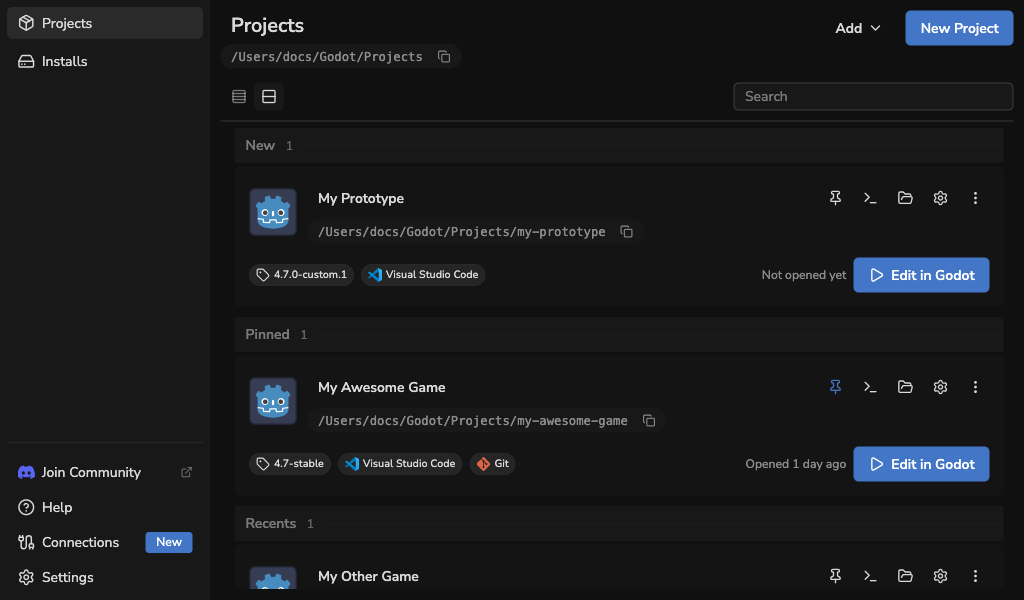
This release also refreshes the dark theme, improves interface consistency and includes fixes for Linux tray access and VSCodium detection.
Try Godot Launcher 1.12.0
Download Godot Launcher and try the new GitHub features with your next project.
For the complete list of changes, see the Godot Launcher changelog.