Godot Launcher 1.13.0: Move and share export templates

Godot Launcher 1.13.0 lets you move export templates to another drive and reuse them across projects. This release also adds coloured project tags, List view and terminal launches.
Move export templates to another drive
Export templates can take up space on a crowded system drive. Godot stores them with editor data and has no separate template-location setting. Open Settings > Export Templates in Godot Launcher to move Official and Imported storage independently to another folder or drive.
Godot's normal Official template path continues to work after the move, including when you open Godot directly.
Projects using the same Godot version and edition can share one Official collection while keeping their editor settings separate. Download the files you need, and add more when you're ready for another platform.
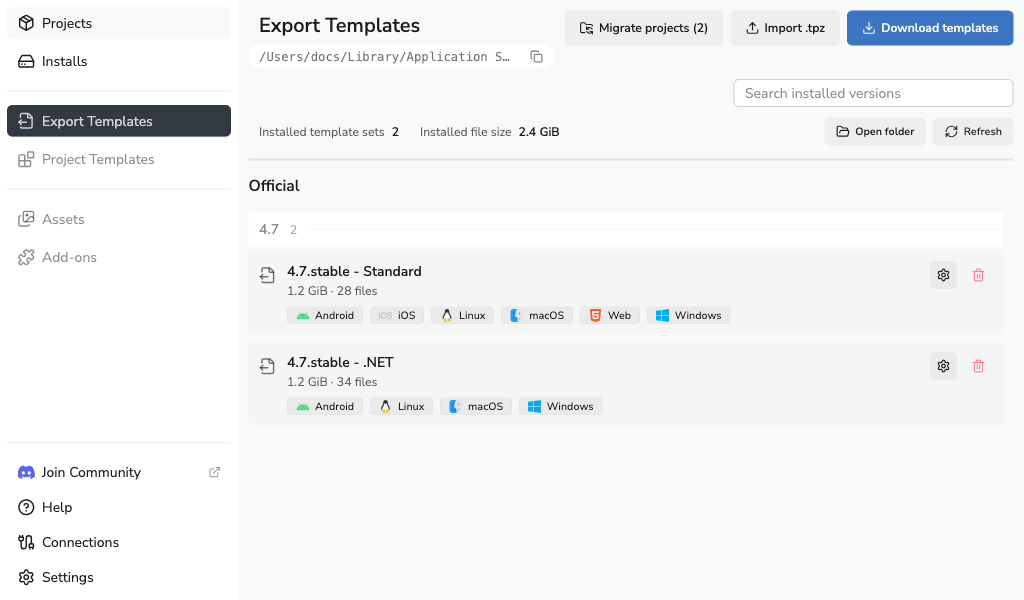
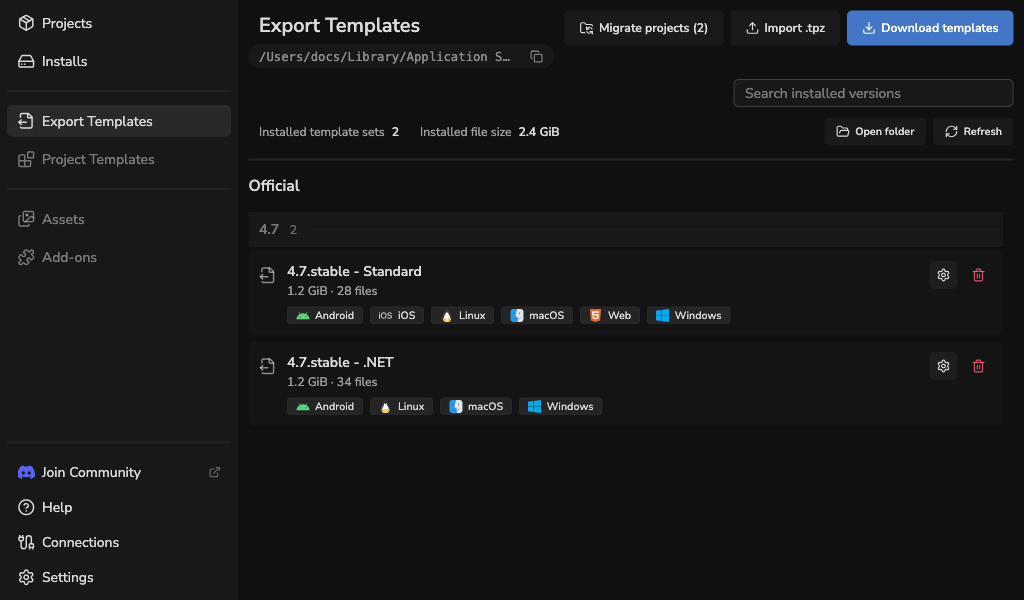
Import prepared TPZ packages as named builds and choose one for each project that needs it. These choices stay on this computer.
For existing projects, a migration wizard lets you decide what to keep, share or leave for later.
The guide walks through the choices when you're ready.
Find the project you're looking for
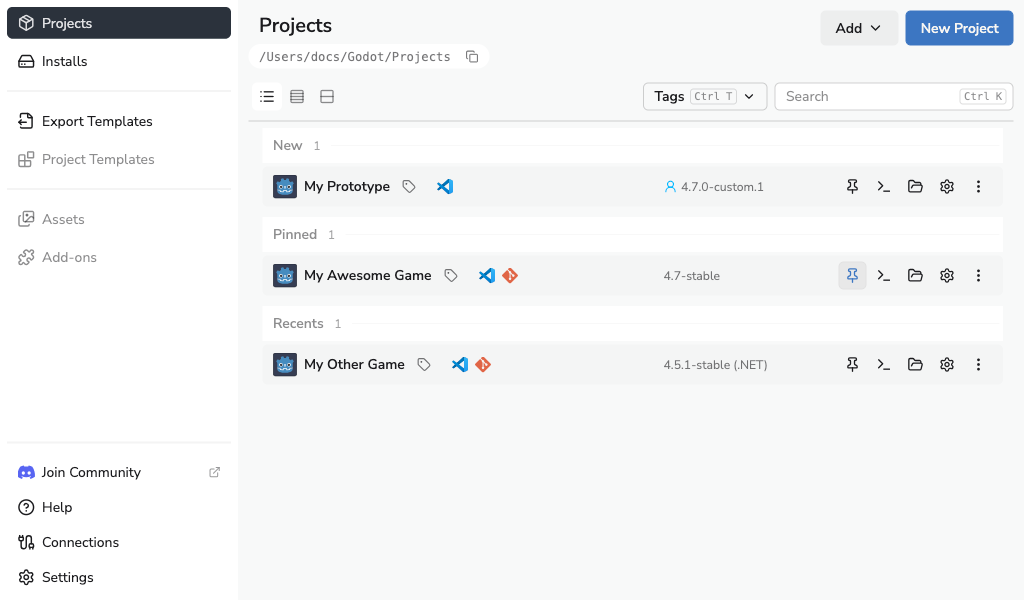
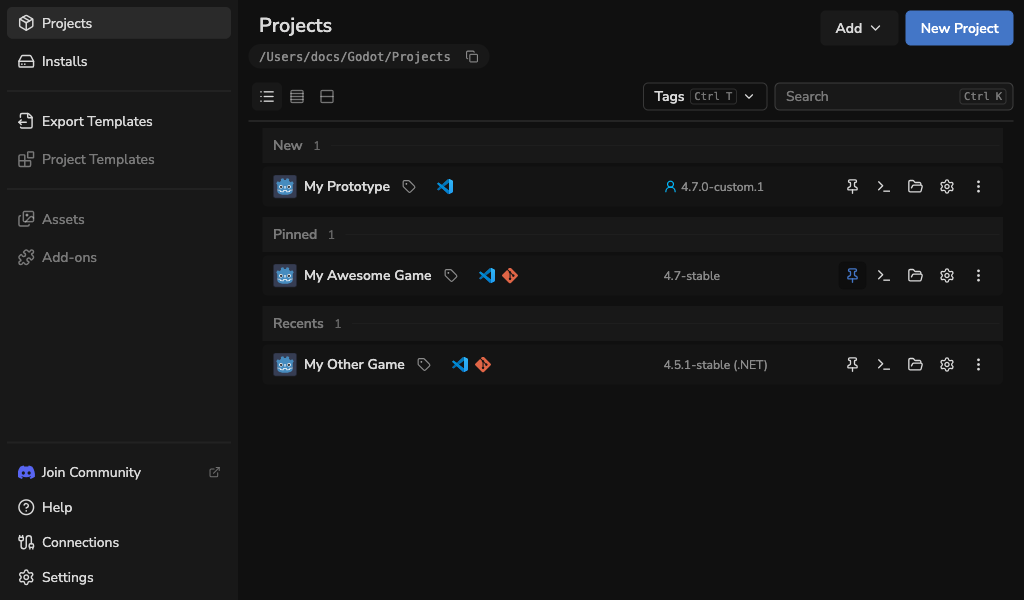
A few prototypes and experiments can quickly turn into a long project list. Coloured tags help you organise it, with tag filters alongside search.
The new List view puts each project on one line, keeping its editor version and actions close. Compact and Cards are still there too.
Keep an eye on Godot's output
Godot can now launch in a terminal. Turn on Launch in terminal for the projects where you want it.
This helps debug GDExtension work and other edge cases where the editor can crash.
A few smaller changes
Cleaning up old editors is easier with bulk removal and Select unused editors for launcher-managed versions your registered projects no longer use.
You can also choose whether closing the window quits or goes to the tray.
Give it a try
Download 1.13.0, or use the in-app updater where supported. The release notes have the full list of changes.
Give it a spin and tell me how it feels for your projects.