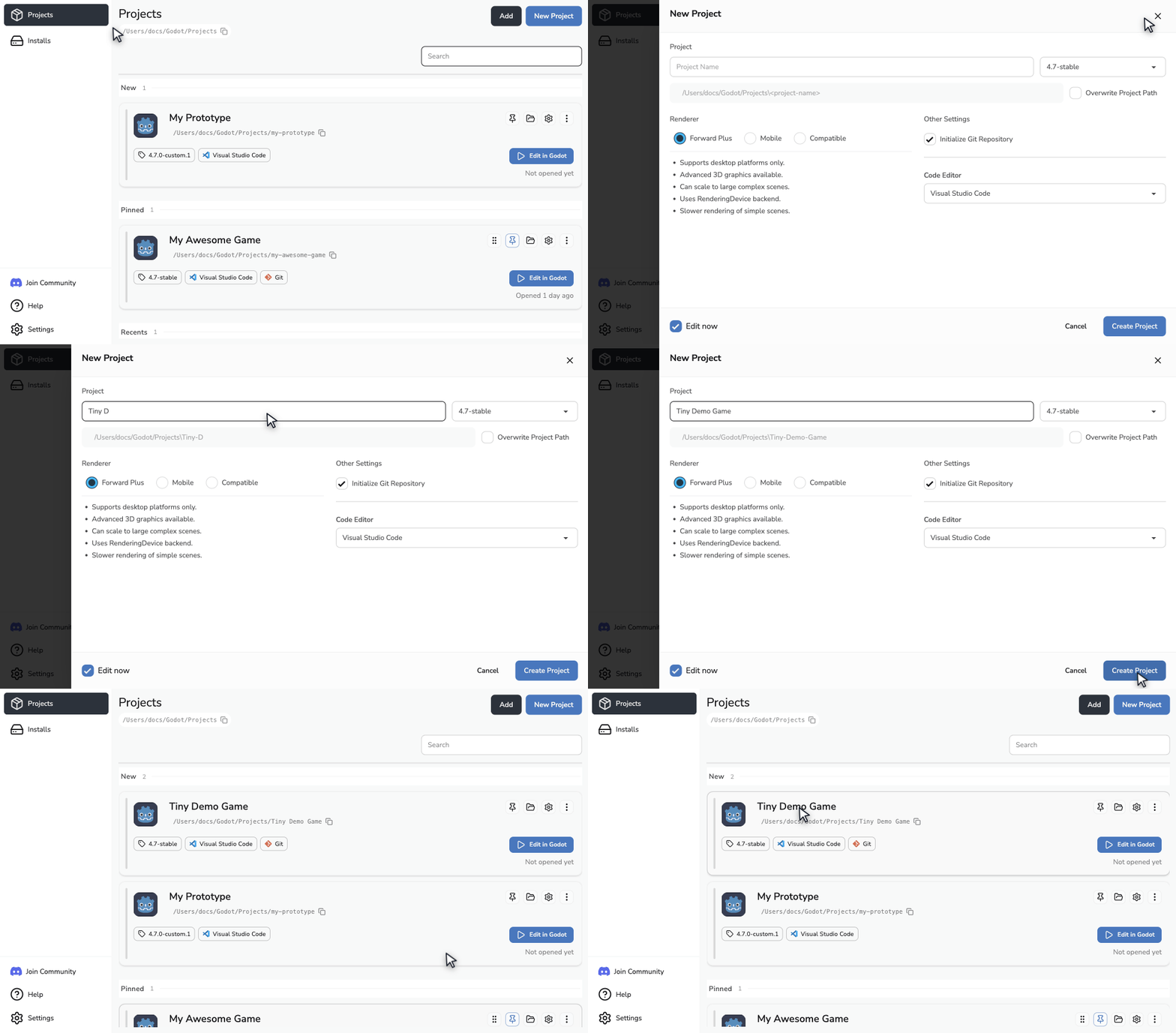
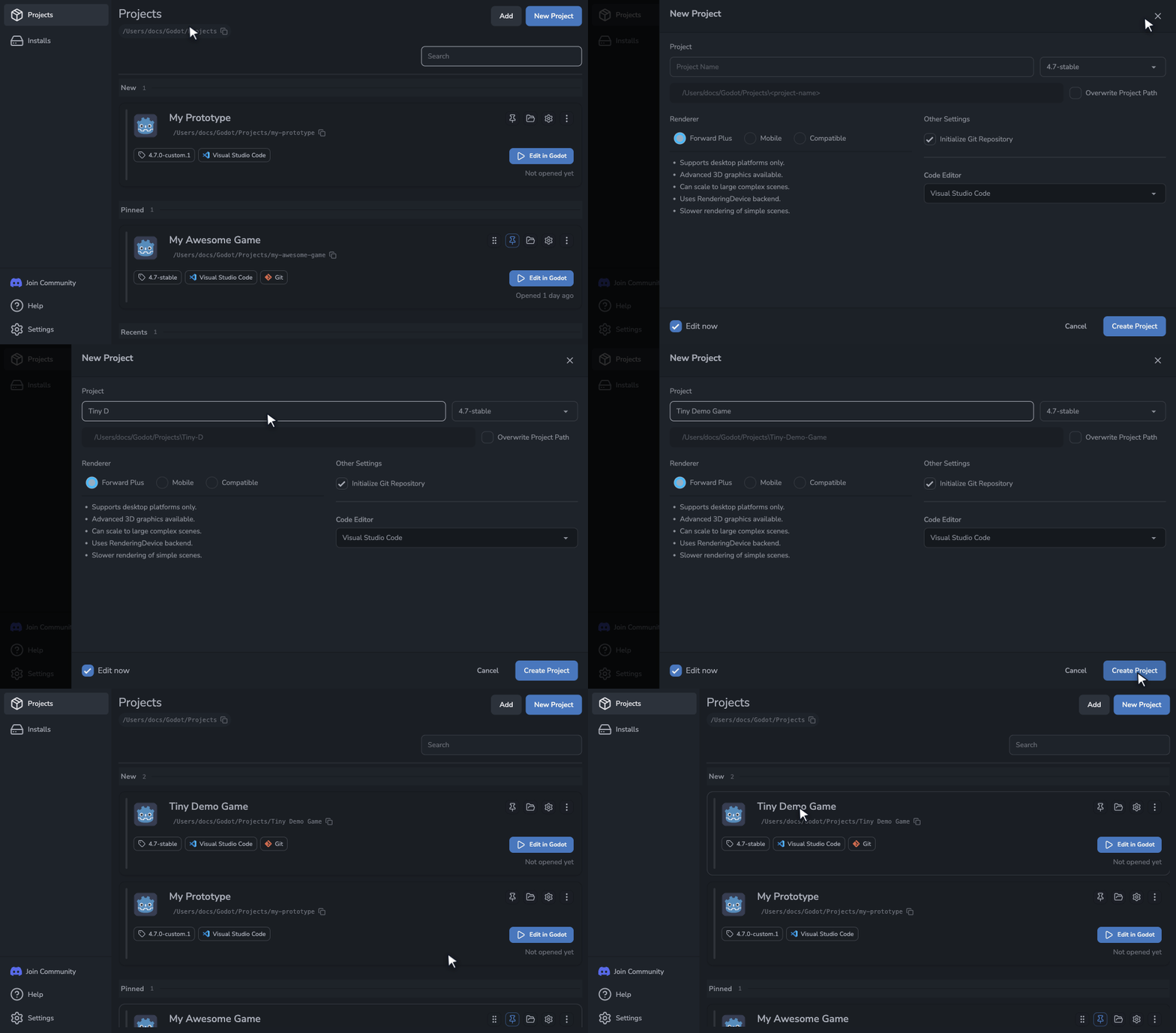
Manage the setup around Godot
Manage official Godot releases and custom builds, set up Visual Studio Code or VSCodium, and initialize Git when you need it.
Manage Godot Versions
Download official Godot releases and choose the right editor for each project.


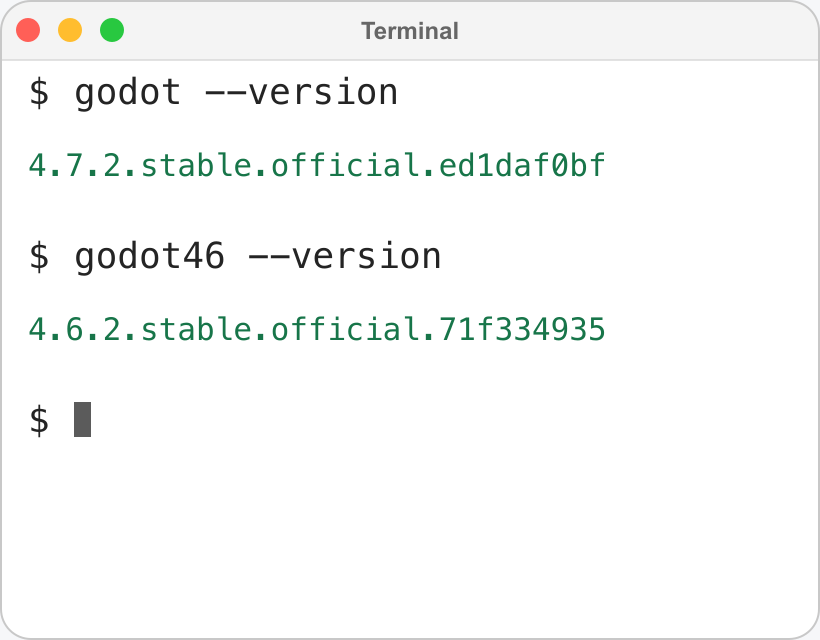
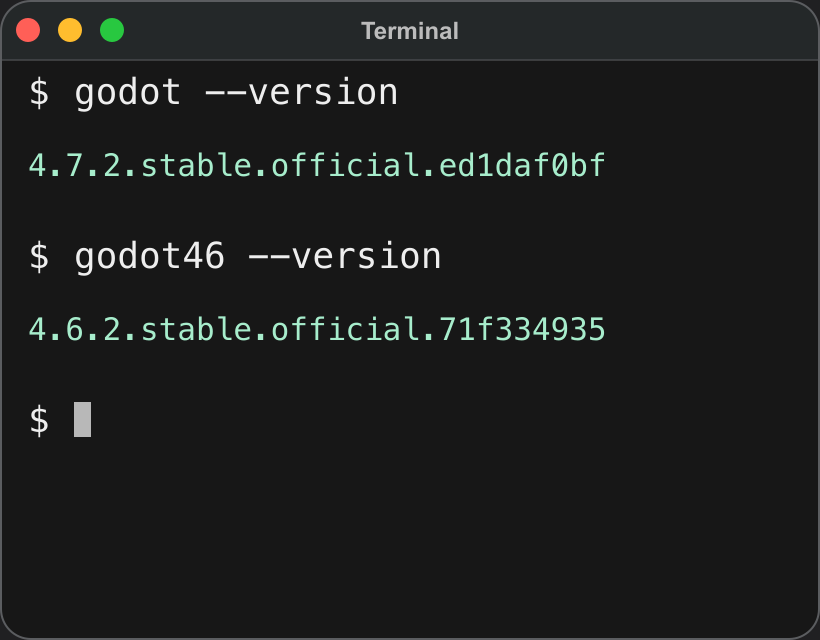
Choose your terminal's Godot version
Choose which installed editor runs when you type godot, and give other versions their own commands, like godot46.
Git Setup for Godot Projects
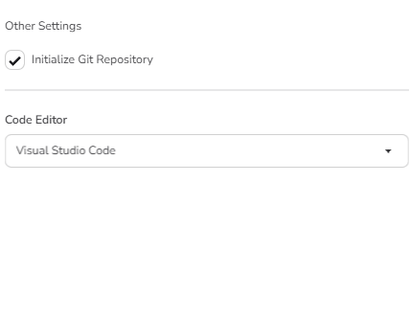
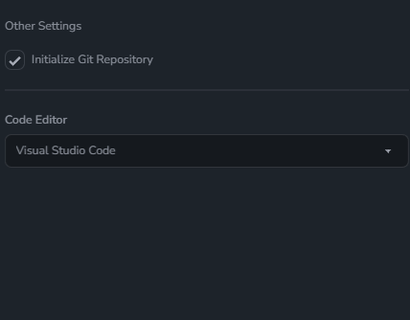
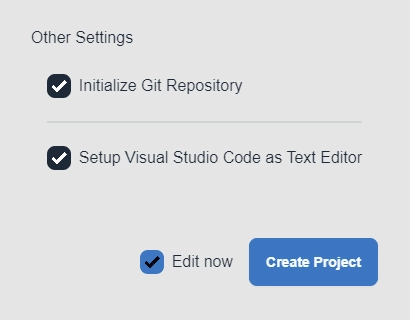
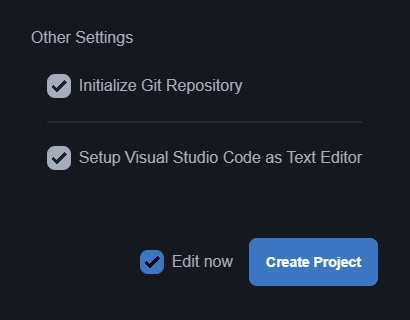
Initialize Git when you create a project or later from Project Settings.
Create and Import with GitHub
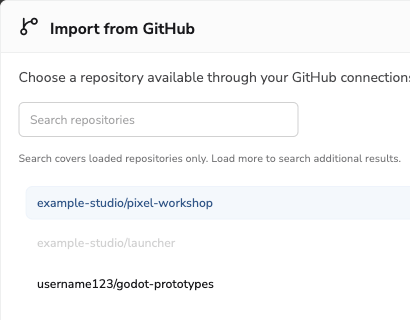
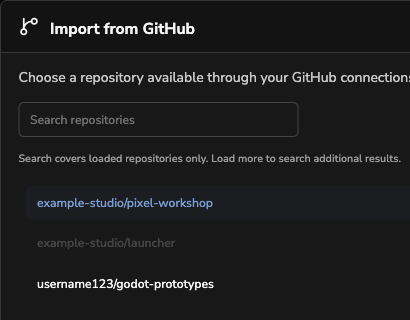
Publish a new project to a private GitHub repository, or browse and import repositories you can access.
Use Custom Godot Builds
Register locally compiled or team-distributed Godot editor builds and use them like official releases.


Code Editor Setup Without the Chore
Godot Launcher configures Visual Studio Code or VSCodium for your Godot project. Use a different editor per project when needed.
Keep Project Settings Separate
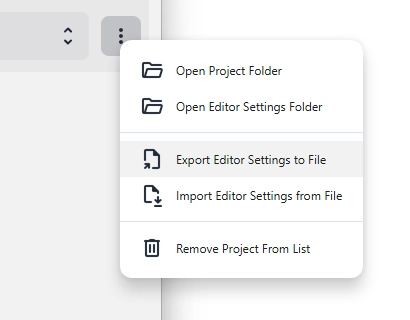
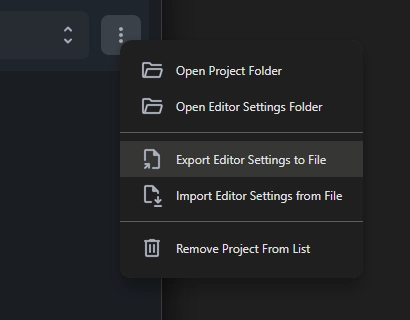
Keep editor settings isolated per project, so switching projects does not overwrite your setup.
Work Across Platforms
Download and launch Godot on Windows, macOS, and Linux.

Open Pinned and Recent Projects
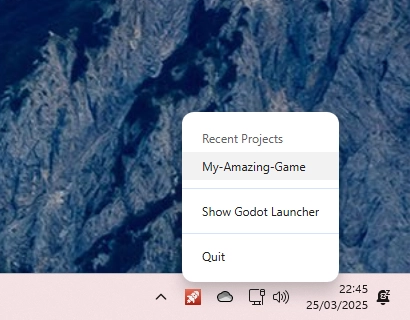
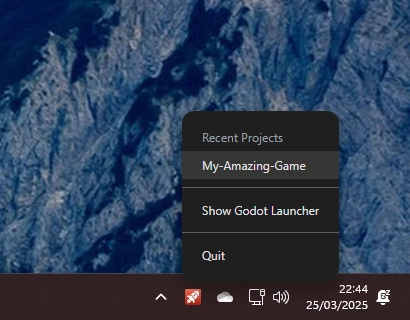
Open pinned projects in your chosen order or return to recent projects from the system tray.
Stay Current
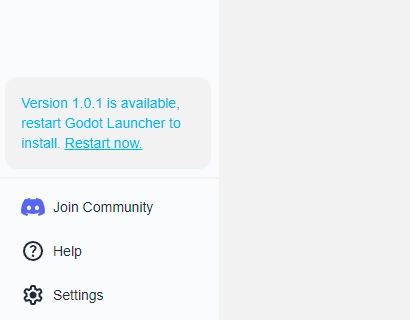
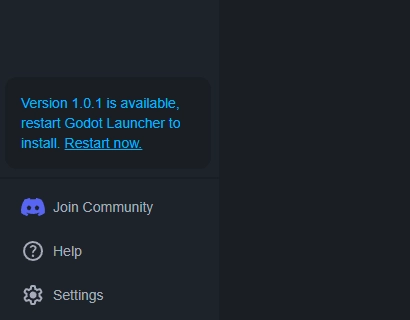
Get notified when new Godot Launcher updates are available.
Download Godot Launcher
Available for Windows, macOS, and Linux.
Manage Godot versions and custom builds, set up Visual Studio Code or VSCodium, and initialize Git in one app.
Latest release: v1.14.0.
Choose your OS to get the right installer.
FAQs
What is Godot Launcher?
Godot Launcher is a free, open source companion app for Godot Engine. It helps manage Godot versions, custom Godot builds, projects, code editors, Git, and per-project editor settings.
Can I manage multiple Godot versions with the launcher?
Yes. Godot Launcher can download and manage multiple Godot versions, and each project can be assigned a compatible editor.
Can I move Godot export templates to another drive?
Yes. Open Settings > Export Templates in Godot Launcher to move Official or Imported storage to another folder or drive. Their locations can be changed separately. Close Godot editors and choose an empty, writable destination folder before moving. See Change the Godot export template location for the steps.
Can I use custom Godot builds with Godot Launcher?
Yes. Register custom Godot builds and select them for projects like official releases.
Which code editors does Godot Launcher support?
Godot Launcher supports Visual Studio Code, VSCodium on Windows, macOS, and Linux. It can find either editor and configure Godot to open scripts in it.
Code Editor Settings lets you set a default for new projects. You can also choose a different editor for a project when needed.
Can Godot Launcher initialize Git?
Yes. Godot Launcher can handle Git setup for new Godot projects, including Godot ignore rules, a main branch, and an initial commit. If Git needs your name and email, add them or skip the first commit.
For existing projects, Project Settings initializes Git without adding setup files or creating a commit. See Using Git With Godot Launcher for both workflows.
Do I need to install Godot separately?
No. Godot Launcher can download and manage Godot versions for you. You can also register custom Godot builds when needed.
Is Godot Launcher free?
Yes. Godot Launcher is free and open source under the MIT license. You can use, modify, and contribute to it under that license.
Download Godot Launcher
Available for Windows, macOS, and Linux.
Manage Godot versions and custom builds, set up Visual Studio Code or VSCodium, and initialize Git in one app.
Latest release: v1.14.0.
Choose your OS to get the right installer.