Godot Launcher 1.10.0 - Use Custom Godot Editor Builds

Godot Launcher 1.10.0 is for projects that do not always fit the default path: local engine builds, patched Godot editors, older projects that ask for a missing editor, and VS Code config files that need a careful recovery path.
You can now register your own Godot builds next to official releases, pick them per project, and keep importing projects even when the exact editor is not installed yet.
Highlights
- Use custom-built Godot editors next to official releases.
- Create a custom editor manifest directly from Installs.
- Import projects even when their requested editor is missing.
- Recover broken VS Code config files without losing the originals.
- Rename launcher project entries from the project settings drawer.
Use your own Godot builds
Custom-built Godot editors now live alongside official releases in Installs. Registered builds get a Custom badge, and you can select them for projects just like any other installed editor.
This is useful if you work with patched engine builds, local engine changes, or builds produced by your team pipeline.
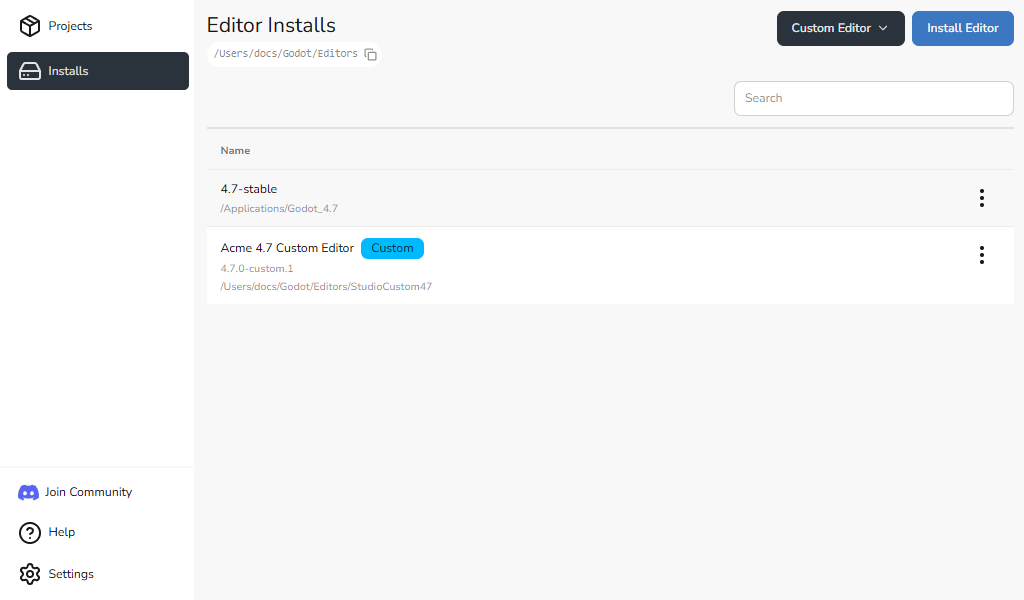
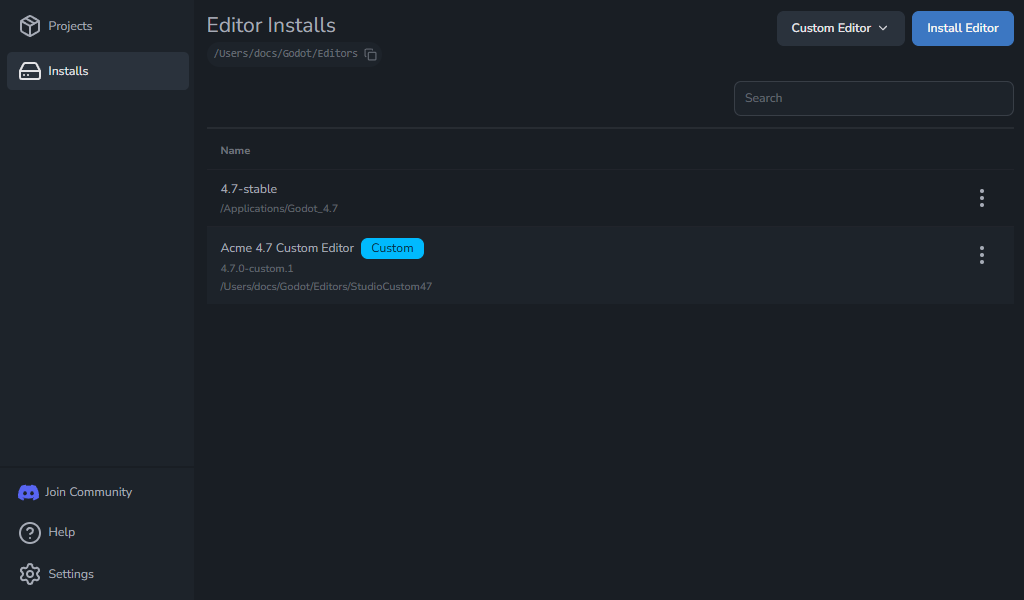
Custom builds also appear in project editor selectors, including the new project flow.
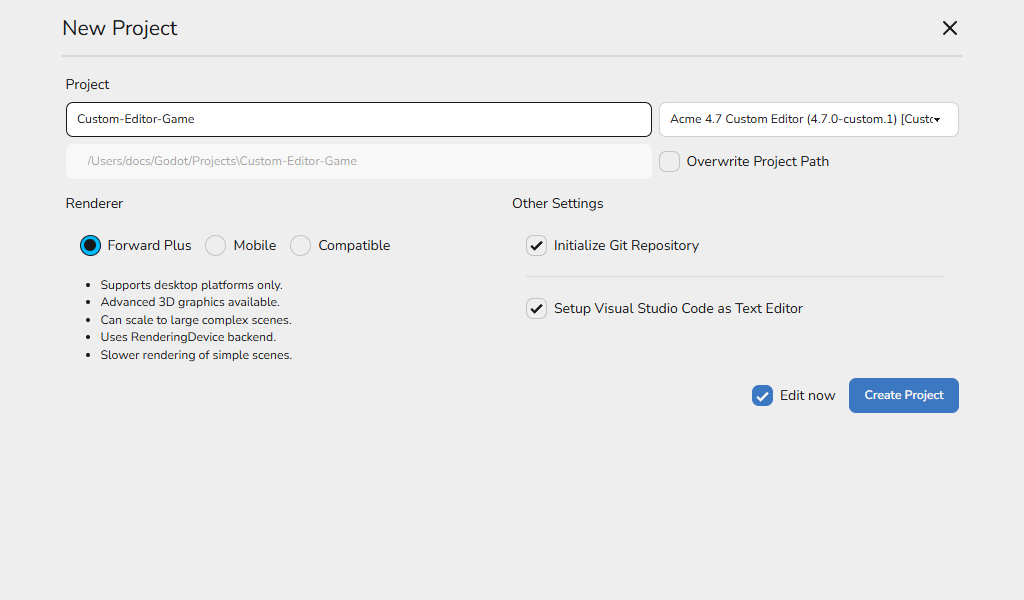
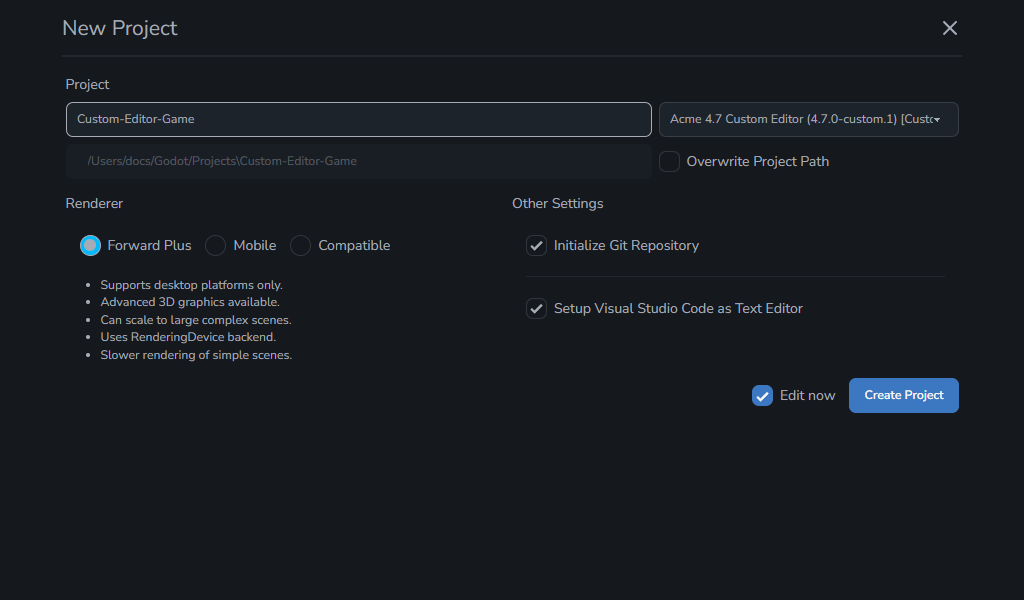
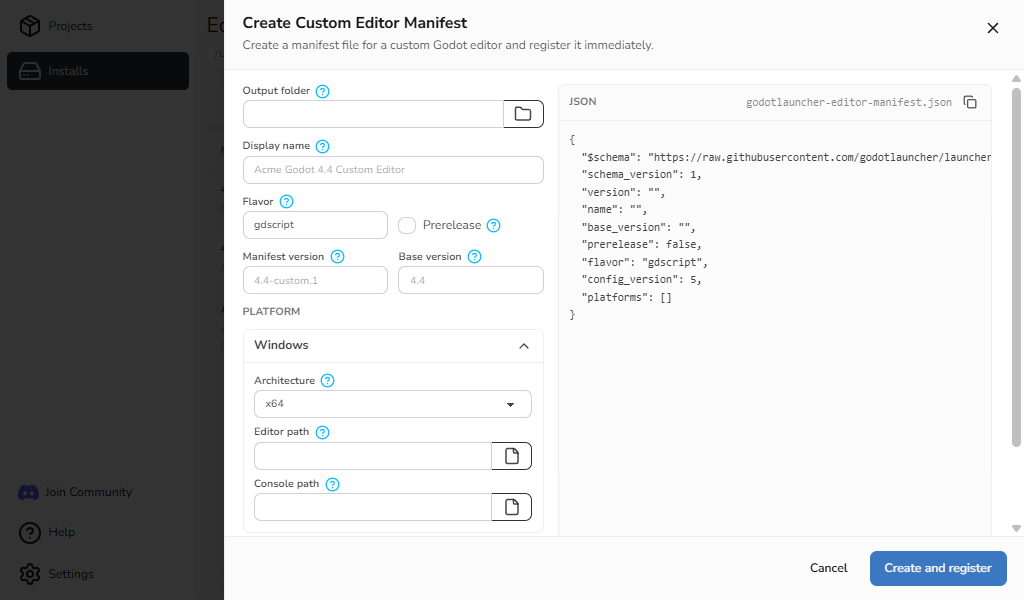
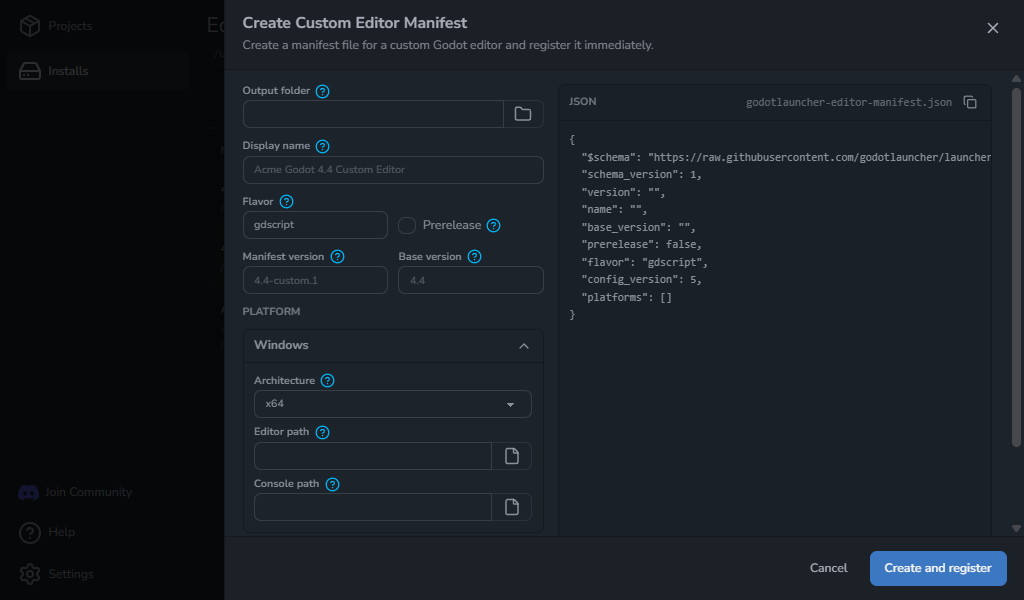
If your build does not already have a manifest, open Custom Editor -> Create custom editor manifest from Installs. The launcher writes godotlauncher-editor-manifest.json to the folder you choose, then registers the editor right away.
See the Custom Editor Manifest Format for the supported fields, an example, and validation behavior.
Import projects with missing editors
Adding an existing project is more forgiving in 1.10.0. If a project asks for an editor you do not have installed, the launcher can show an Editor version required dialog instead of stopping immediately.
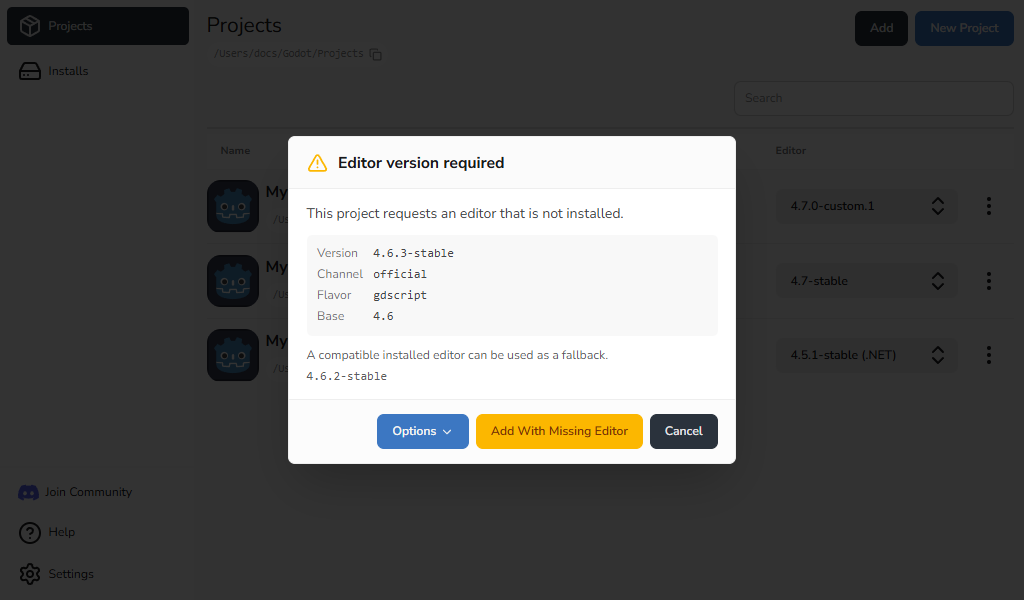
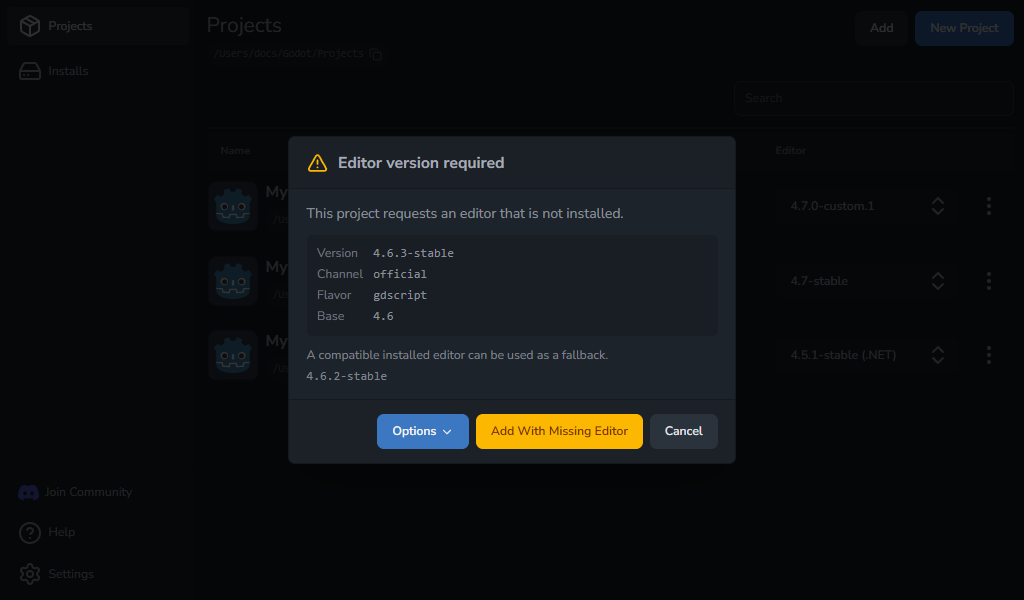
From there, you can download the requested editor when it is available, use a compatible installed editor as a fallback, or add the project with the editor still marked as missing.
That means importing an older project no longer has to stop just because the exact editor is not installed yet.
Recover broken VS Code config files
Godot Launcher now handles broken VS Code config files more carefully. If .vscode/settings.json, .vscode/extensions.json, or .vscode/launch.json cannot be safely read, 1.10.0 keeps the original file as a timestamped .bad copy, recreates the config it needs, and shows you which paths were recovered.
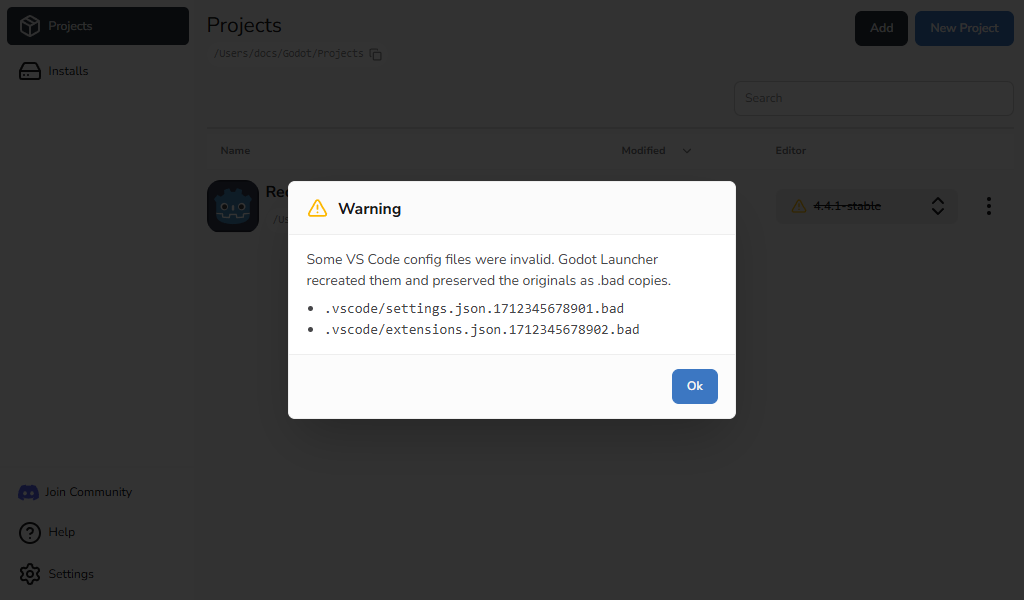
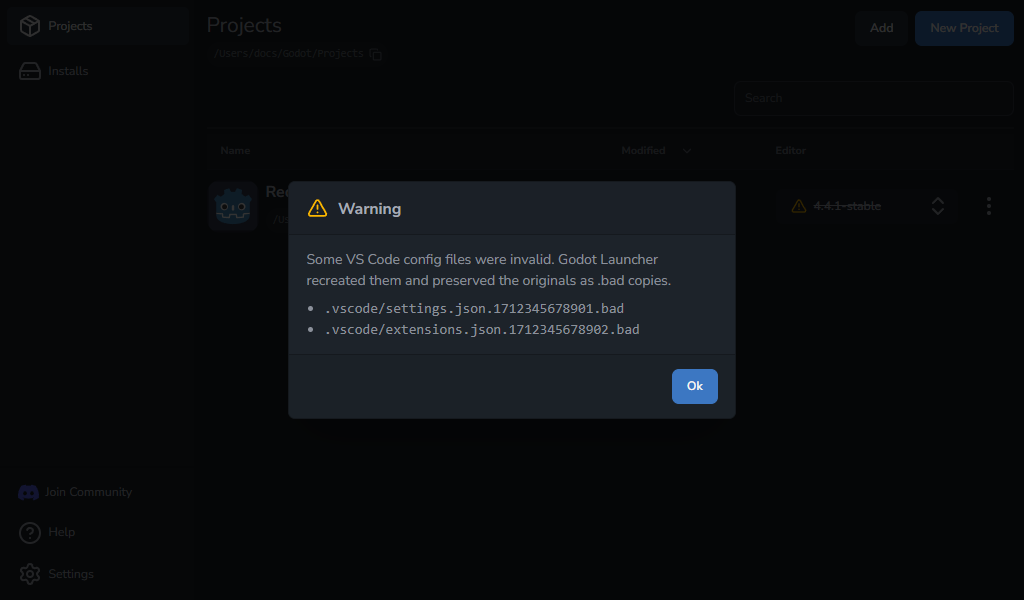
You keep the original file for inspection, and the launcher still gets a valid config it can update. Valid JSONC files with comments or trailing commas are preserved and updated normally.
Smaller project improvements
This release also adds project rename settings, richer project rows when icon metadata is available, more predictable recent-project ordering, and clearer manual update messaging on rpm-ostree systems.
Update to 1.10.0
Godot Launcher 1.10.0 is available from the download page. Existing users on a supported updater path can also update from inside the app.