🚀 Godot Launcher 1.9.0 - Choose Your Project Folder and Control Updates

Godot Launcher 1.9.0 brings two practical quality-of-life improvements. You can now create a new project in the parent folder you actually want with Overwrite Project Path, and app updates now follow a clearer two-step flow: download when you are ready, then restart once the update is prepared.
Highlights
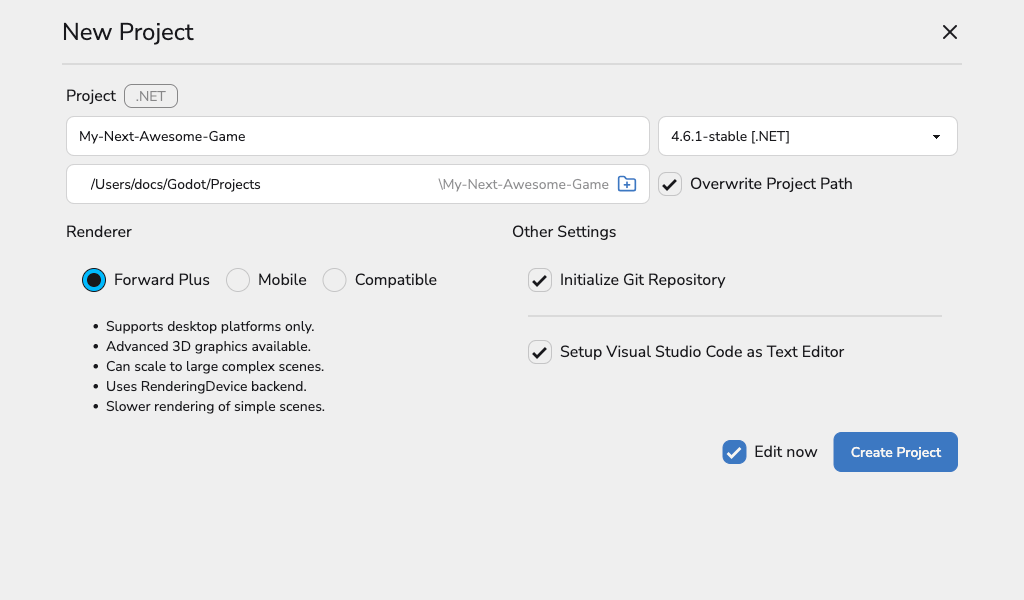
- Choose a custom parent folder for a new project without changing your default Projects Location.
- Browse for a folder or type a path and confirm the final project path before you create it.
- Download launcher updates only when you want, then restart once the update is ready.
- Skip one update version and bring it back from Settings later if you change your mind.
Pick where new projects live
By default, the launcher creates new projects inside your configured Projects Location. In 1.9.0 you can override that for one project.
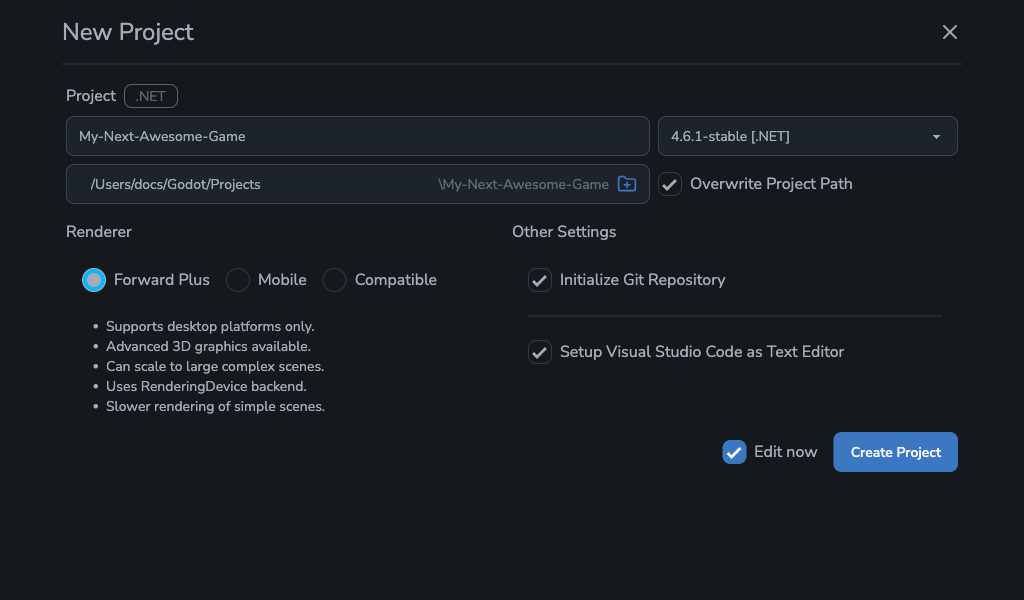
Enable Overwrite Project Path, pick a parent folder, and the launcher creates a clean {parent}/{project-name} folder for you. The input shows the parent folder and the UI appends your project name, so you can confirm the final path before you click Create.
How overwrite path stays safe
The name sounds scary, but it does not overwrite your files. If the target project folder already exists, the launcher only continues when it is an empty folder. If it already contains files, or if the path points to a file, creation stops with a clear message.
If you meant to bring an existing project into the launcher, use the Add Project flow instead.
Control app updates before you install
Until now, launcher updates downloaded automatically and only asked for a restart at the end. In 1.9.0 the flow is manual.
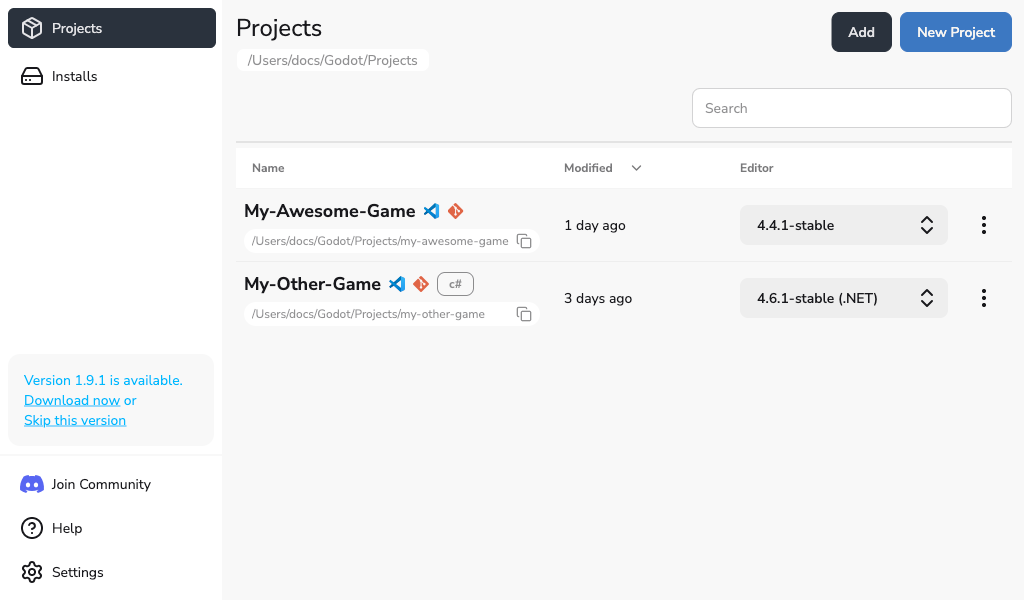
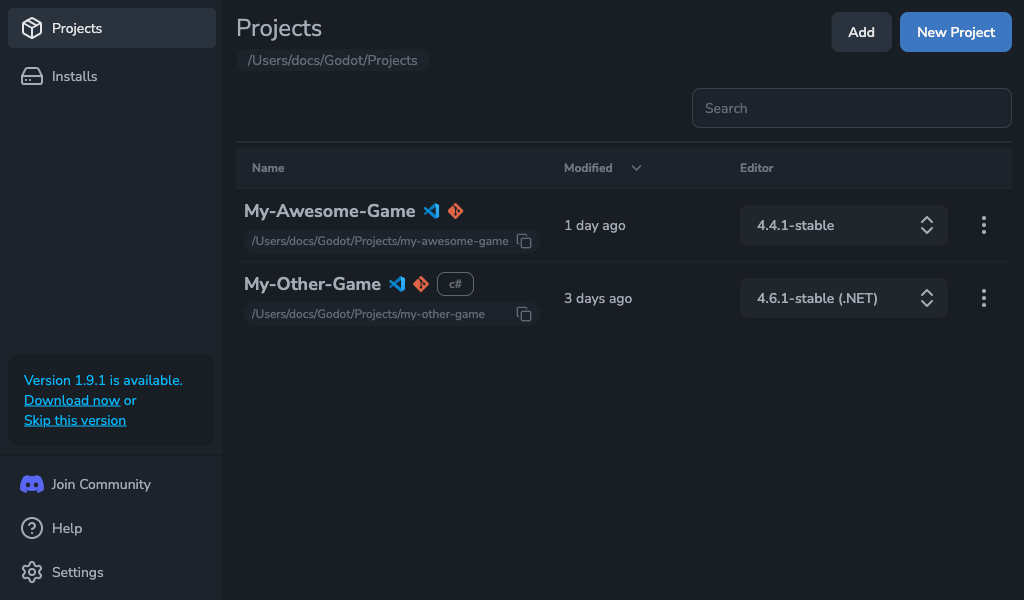
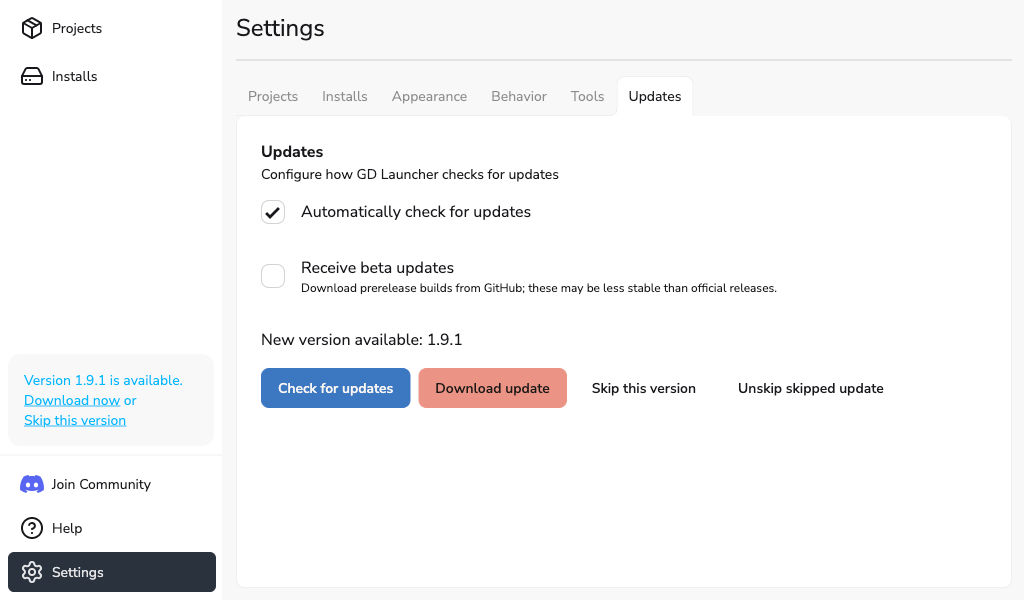
When an update is available, you can choose Download now. Once the download finishes, the launcher switches to a clear Restart now step so you decide when the install happens.
This gives you a better moment to download the update, especially if you are in the middle of work and do not want the launcher to start pulling files in the background.
Skip a version and come back later
If an update is not for today, you can choose Skip this version. Regular update checks stay quiet for that version, so the launcher does not keep prompting you.
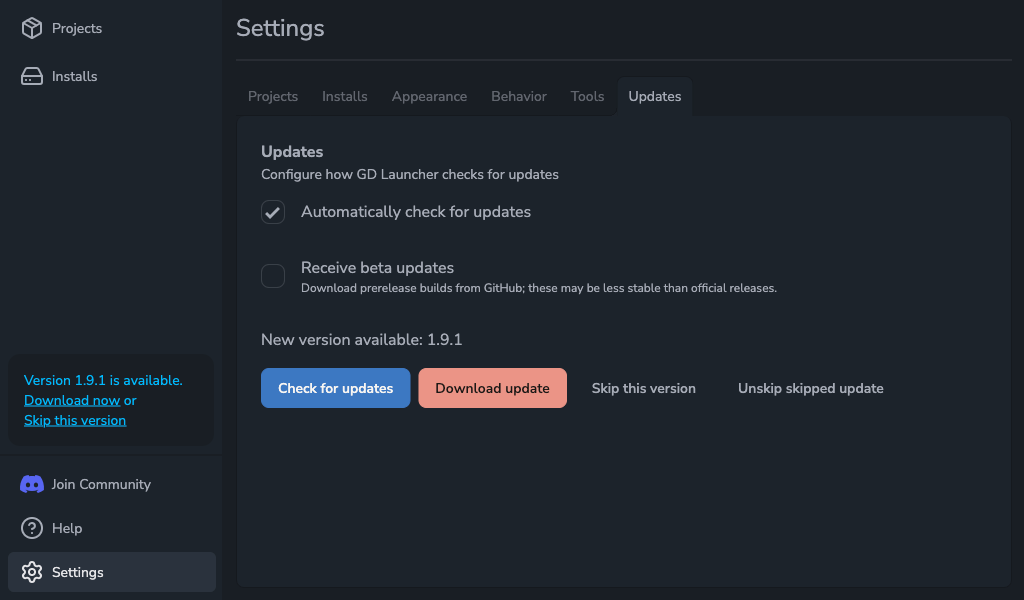
If you change your mind later, open Settings -> Updates and run a manual check. The launcher can still show that skipped release there, so you can download it anyway without waiting for a newer version.
Update to 1.9.0
Update inside the app or grab the latest installer. If you want more control over where projects live and when launcher updates install, 1.9.0 makes both simpler.